
Let’s be real – how many times today have you glanced at your phone, only to be met with a smudgy, fingerprint-covered screen? It’s a daily tech frustration, right up there with slow Wi-Fi and mysteriously disappearing battery life. But a dirty screen isn’t just an eyesore; it can also affect how your phone functions and even your health. Let’s dive into the world of smartphone screens: how they work, the common problems, and, most importantly, how to keep yours in tip-top shape.
What’s Actually Going On Under the Glass?
Your smartphone screen is a marvel of modern technology. Most use either LCD (Liquid Crystal Display) or OLED (Organic Light-Emitting Diode) technology to create the images you see.
* **LCD Screens:** These screens have a backlight that shines through liquid crystals, which shift to display different colors.
* **OLED Screens:** OLED screens have individual pixels that emit their own light, resulting in deeper blacks and vibrant colors.
Both types of screens are covered by a layer of glass, often strengthened by a chemical process like “Gorilla Glass,” to make them more resistant to scratches and cracks. But even with these advances, your screen is still vulnerable to damage, dirt, and, of course, those pesky fingerprints.
The Usual Suspects: Common Screen Problems and How to Tackle Them
Here’s a breakdown of common screen issues, and what you can do about them:
* **Cracked Screen:** This is perhaps the most common problem. A drop, a bump, and *bam* – a cracked screen. While small cracks might seem harmless, they can spread, affect touch sensitivity, and even damage the internal display. **Fix:** Get it fixed ASAP. The cost of repair varies depending on your phone model and the extent of the damage.
* **Unresponsive Touchscreen:** If your screen isn’t responding to your taps and swipes, it’s incredibly frustrating. **Fix:** Try restarting your phone. Sometimes, it’s a simple software glitch. If that doesn’t work, ensure your screen is clean, as dirt and moisture can interfere with touch sensitivity.
* **Flickering Display:** A flickering screen is annoying and can be a sign of a deeper issue. **Fix:** Try adjusting your brightness settings or updating your phone’s software. If the flickering persists, it might indicate a hardware problem that needs professional attention.
* **Dead Pixels:** These are those tiny black or colored dots that don’t light up. **Fix:** Unfortunately, dead pixels often require a screen replacement.
* **Screen Burn-in:** This happens when static images leave a permanent shadow on the screen, common with OLED displays. **Fix:** Avoid displaying static images at high brightness for extended periods. Some apps can help mitigate the appearance, but professional repair might be needed.
* **Scratches:** Minor scratches can be a nuisance. **Fix:** Consider a screen protector to prevent further damage. In some cases, a scratch remover may help.
Daily Habits for a Sparkling Screen
Here’s how to keep your screen clean and your phone performing well:
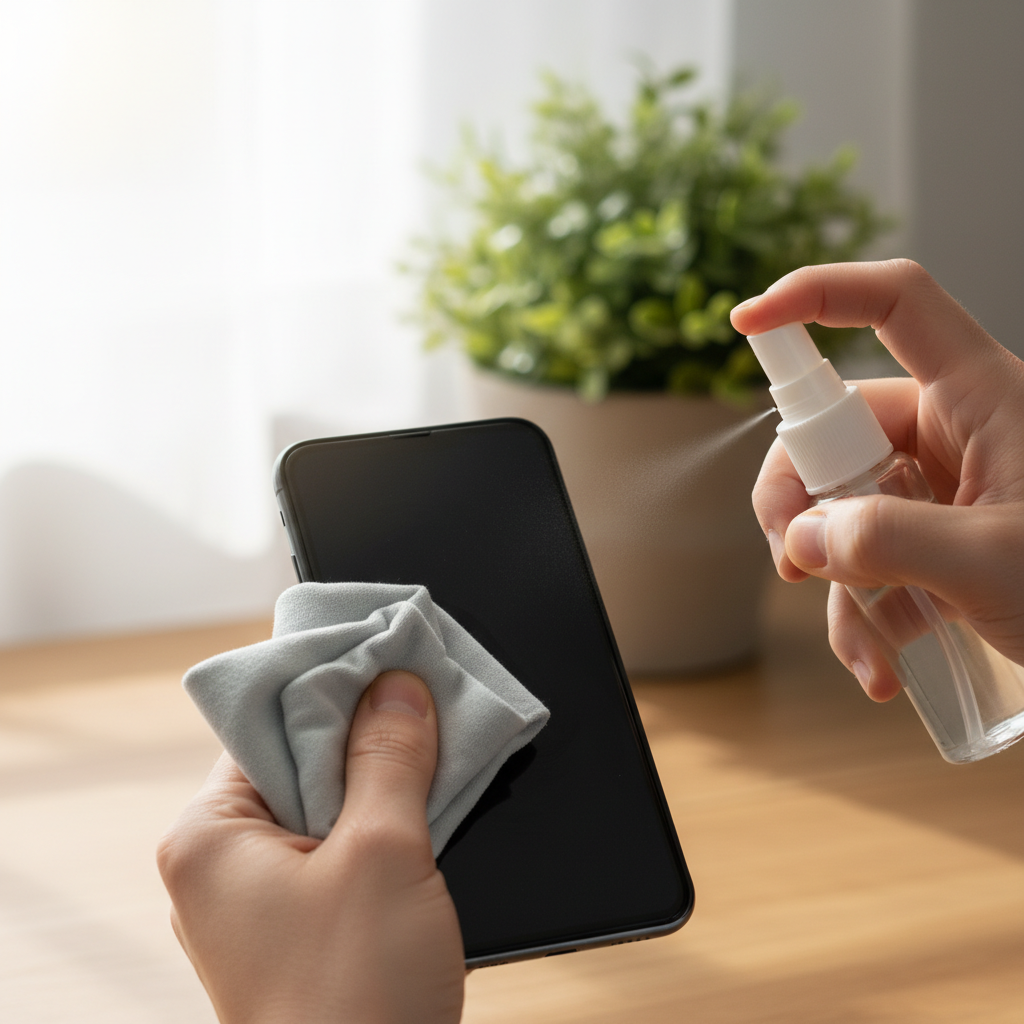
* **Regular Cleaning:** This is the most crucial step. Use a *microfiber cloth* to wipe your screen daily. These cloths are lint-free and won’t scratch the glass. For a deeper clean, slightly dampen the cloth with distilled water.
* **What to Avoid:**
* **Harsh Cleaners:** Avoid bleach, ammonia, and window cleaners. They can damage the screen’s protective coating.
* **Rubbing Alcohol:** Although some sources suggest it, avoid rubbing alcohol or products containing straight alcohol, as they can damage the protective coatings.
* **Paper Towels:** These can scratch your screen.
* **Hand Sanitizer:** Hand sanitizer may have moisturizers and fragrances that can leave a residue on your phone’s surface.
* **Sanitizing (Occasionally):** To disinfect, use a 70% isopropyl alcohol wipe. Make sure to unplug your phone and power it off beforehand.
* **Screen Protectors:** They are a great investment to protect your screen from scratches and cracks.
Myths vs. Reality
Let’s clear up some common misconceptions:
* **Myth:** Any cleaner is safe for your screen.
* **Reality:** Harsh chemicals can damage your screen’s protective layers. Stick to microfiber cloths and, occasionally, isopropyl alcohol wipes.
* **Myth:** Screen protectors make your phone look cheap.
* **Reality:** Modern screen protectors are virtually invisible and are essential for protecting your screen.
* **Myth:** DIY screen repairs are always cheaper.
* **Reality:** While tempting, DIY repairs can be risky and may void your warranty. Plus, you could make the problem worse.
Long-Term Habits for a Happy Phone
* **Handle with Care:** Be mindful of where you place your phone. Avoid dropping it. Use a protective case.
* **Software Updates:** Keep your phone’s software updated. Updates often include performance improvements and bug fixes.
* **Storage:** Don’t overload your phone’s storage. Full storage can slow down performance and impact your touchscreen’s responsiveness.
* **Battery Health:** Avoid extreme temperatures, as they can damage your battery. Also, *check out this article* on how unseen electrical habits can impact your devices The Quiet Culprit: Unseen Electrical Habits That Cost You, which can help your phone in the long run.
Frequently Asked Questions
Here are some common questions to help you further:
* **Q: How often should I clean my phone screen?**
* A: Aim to clean it daily with a microfiber cloth. Disinfect it occasionally with a 70% isopropyl alcohol wipe.
* **Q: What should I do if my screen is cracked?**
* A: Get it repaired as soon as possible to prevent further damage.
* **Q: How much does it cost to repair a phone screen?**
* A: Costs vary depending on the phone model and the repair shop, but can range from $100 to $350.
* **Q: Can I use hand sanitizer to clean my screen?**
* A: It’s not recommended. It may contain ingredients that can damage your screen.
* **Q: What’s the best way to remove fingerprints?**
* A: A microfiber cloth is your best bet.
* **Q: What are the signs that I need to upgrade my phone?**
* A: Besides severe screen damage, persistent performance issues, and battery drain are signs it might be time for a new device.
* **Q: Is it safe to use a screen protector?**
* A: Yes! Screen protectors help protect your screen from scratches and cracks.
* **Q: Where can I get my phone screen repaired?**
* A: You can go to the manufacturer’s repair shop, third-party repair shops, or local repair shops.
Your smartphone is an essential part of your daily life. By following these simple tips, you can keep your screen clean, your phone functioning at its best, and your overall digital experience more enjoyable. If you’re looking for more ways to optimize your tech habits, be sure to visit our homepage for even more insights.