
Ugh, the battery. It’s the digital equivalent of that annoying friend who always needs a ride home. You love your phone, but that low-battery warning? Instant anxiety. Sound familiar? I get it. I’ve spent years navigating the digital world, and the one constant frustration? Battery life. Let’s face it: it’s the bane of our connected existence. So, let’s dive into why your phone’s battery seems to vanish faster than free Wi-Fi and what you can do about it.
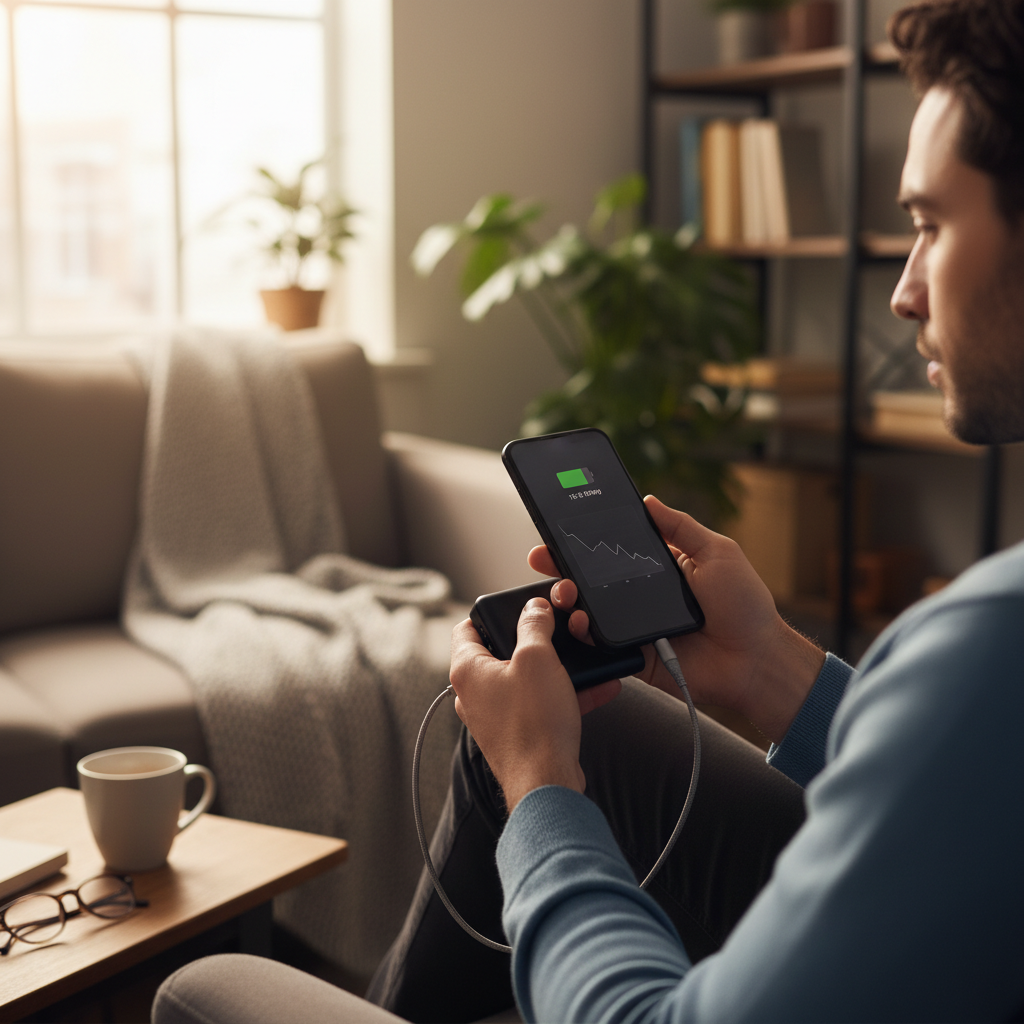
The Great Battery Mystery: Why Does It Drain So Fast?
First things first: it’s not always your phone’s fault. Our phones are tiny powerhouses, juggling a million tasks simultaneously. Think of it like this: your phone is a mini-computer constantly running multiple programs. Each of these programs, from your social media apps to your email notifications, eats up battery juice. The more you do, the faster it goes.
Here are some of the biggest battery-drain culprits:
- The Screen: It’s the biggest energy hog. The brighter it is, the more power it uses.
- Apps Running in the Background: Those apps you *think* you’ve closed? Many are still silently sipping power, refreshing content, and sending notifications.
- Location Services: Constantly pinging your location is a massive drain. Think about it: your phone is constantly trying to figure out where you are, using GPS, Wi-Fi, and mobile data.
- Push Notifications: Each notification, whether it’s a breaking news alert or a ‘like’ on your photo, requires your phone to wake up and connect to the internet.
- Weak Cellular Signal: When your phone struggles to find a good signal, it works overtime, zapping battery in the process.
- Old Battery: Like any rechargeable battery, your phone’s battery degrades over time. It can lose its ability to hold a charge as it ages.
- Overheating: Extreme temperatures, especially heat, can negatively impact your battery’s performance and lifespan.
Decoding the Drain: A Simple Analogy
Imagine your phone’s battery as a water tank. When you use your phone, you’re opening taps and letting water (battery) out. The screen is a big tap, apps are smaller taps, and location services are little drips. The more taps you have open, the faster the tank empties. Sometimes you’re not even aware those taps are running!
Common Mistakes and How to Fix Them
We all make mistakes, and when it comes to phone batteries, we’re all guilty of a few blunders that shorten battery life.
- Mistake 1: Leaving Apps Open: We think we’ve closed an app by swiping it away, but often, it’s still working in the background.
- Fix: On both Android and iPhones, go into your settings and look for the ‘Apps’ or ‘Battery’ section. See which apps are using the most battery in the background and restrict their activity. Force-close apps when you’re done using them.
- Mistake 2: Screen Brightness Too High: We crank up the brightness, especially outdoors, but forget to turn it down indoors.
- Fix: Use auto-brightness. Your phone will adjust the screen brightness based on the ambient light. Otherwise, manually adjust the brightness to the lowest comfortable level.
- Mistake 3: Constantly Checking Your Phone: This may sound silly, but every time you check your phone, you wake up the screen and the apps.
- Fix: Be mindful of your phone usage. Ask yourself: “Do I *really* need to check it right now?”
- Mistake 4: Not Updating Your Software: Software updates often include battery optimization improvements.
- Fix: Make sure your phone’s operating system (iOS or Android) is always up to date. Go to ‘Settings’ and look for ‘Software Update’.
- Mistake 5: Charging Habits: Leaving your phone plugged in all night or letting it drain to zero can be bad.
- Fix: Aim to keep your battery between 20% and 80%. Consider a smart plug to automatically cut off power when your phone is charged.
Myths vs. Reality: Battery Edition
There’s a lot of misinformation out there about phone batteries. Let’s bust some common myths:
- Myth: You need to fully drain your battery before charging it.
- Reality: That was true for older nickel-cadmium batteries, not modern lithium-ion batteries. In fact, fully draining a lithium-ion battery can be harmful.
- Myth: Using a non-branded charger will damage your battery.
- Reality: Not necessarily. As long as the charger meets the safety standards for your phone, it should be fine. However, use the original charger when possible.
- Myth: Charging your phone overnight ruins the battery.
- Reality: Modern phones stop charging when they reach 100%, so overnight charging isn’t as damaging as it used to be. However, it’s still best practice to avoid this habit.
- Myth: Fast charging always damages the battery.
- Reality: Fast charging can generate more heat, which can affect the battery’s lifespan, but modern phones have safeguards to prevent this from causing significant damage.
Safe, Practical Usage Tips: Battery-Saving Secrets
Here’s what I do to keep my phone running strong throughout the day:
- Embrace Dark Mode: If your phone has an OLED or AMOLED screen, dark mode can save significant battery, especially if you’re a heavy user.
- Turn Off Unused Features: Bluetooth, Wi-Fi, and location services drain battery when they’re constantly searching, so turn them off when you don’t need them.
- Manage Notifications: Turn off push notifications for apps you don’t need instant updates from.
- Optimize Location Services: Set your location services to ‘While Using the App’ instead of ‘Always’ whenever possible.
- Use Battery Saver Mode: When you’re running low, enable your phone’s battery saver mode. It limits background activity and other power-hungry features.
- Keep Your Phone Cool: Avoid leaving your phone in direct sunlight or hot cars.
- Consider a Portable Charger: A power bank is a lifesaver when you’re on the go and can’t access an outlet.
Long-Term Habits for Better Battery Performance
It’s not just about what you do in the moment. Building these habits will help you maintain your phone’s battery health for years to come:
- Monitor Your Battery Usage: Regularly check the battery usage stats in your settings to identify which apps are consuming the most power.
- Be Mindful of Apps: Delete or uninstall apps you rarely use, especially if they’re known battery drainers.
- Charge Strategically: Avoid letting your phone drain completely, and try to keep it charged between 20% and 80%.
- Prioritize Software Updates: Make sure your operating system and apps are always up to date.
- Clean Your Phone: Regularly clearing the cache and temporary files can help your phone run more efficiently.
- Consider External Accessories: If you want to make sure your devices are always available, consider smart plugs and backup power solutions such as power banks.
The better you care for your device, the better the performance. For more ideas on how to optimize your home and save money, consider this related article, which could help with more than just your phone battery.
FAQ: Your Burning Battery Questions Answered
Let’s tackle some of the most common questions I get about phone batteries.
- Why is my phone battery draining so quickly?
Multiple factors can contribute, including high screen brightness, apps running in the background, location services, and weak cellular signal. Check your battery usage in your settings to identify the main culprits.
- Is it okay to charge my phone overnight?
Modern phones are designed to stop charging when they reach 100%, so overnight charging isn’t as harmful as it used to be. However, it’s still best to avoid this if possible.
- How often should I calibrate my phone’s battery?
You don’t need to calibrate a lithium-ion battery. These types of batteries don’t require that procedure. You can do more harm than good.
- What’s the best way to charge my phone?
Aim to keep your battery between 20% and 80%. Avoid letting it drain completely or leaving it plugged in all night.
- Should I use a fast charger?
Fast charging is convenient, but it can generate more heat, which might slightly affect battery life. Use your judgment.
- How long does a phone battery typically last?
Most phone batteries last for 2-3 years, or 500-1000 charge cycles, before they start to degrade significantly.
- Can I replace my phone’s battery?
Yes, you can. You can take it to a repair shop or, in some cases, replace the battery yourself, although it’s often more complicated than it looks.
- How can I extend my phone battery’s lifespan?
Be mindful of your charging habits, manage background apps and notifications, use dark mode, and keep your phone in a moderate temperature.
Dealing with phone battery drain can be frustrating, but with a few simple tweaks to your habits, you can significantly improve your phone’s battery life. So, take control, make these small changes, and enjoy a less stressful, more connected digital life. For more tips on how to save money and live more efficiently, explore Citrus Burn.