
Ugh, the low battery anxiety! We’ve all been there. You’re waiting for an important call, you’re halfway through a killer game, or you’re trying to navigate to a new spot, and that dreaded red bar of doom starts flashing. It’s a daily tech frustration, right up there with slow Wi-Fi and app crashes.
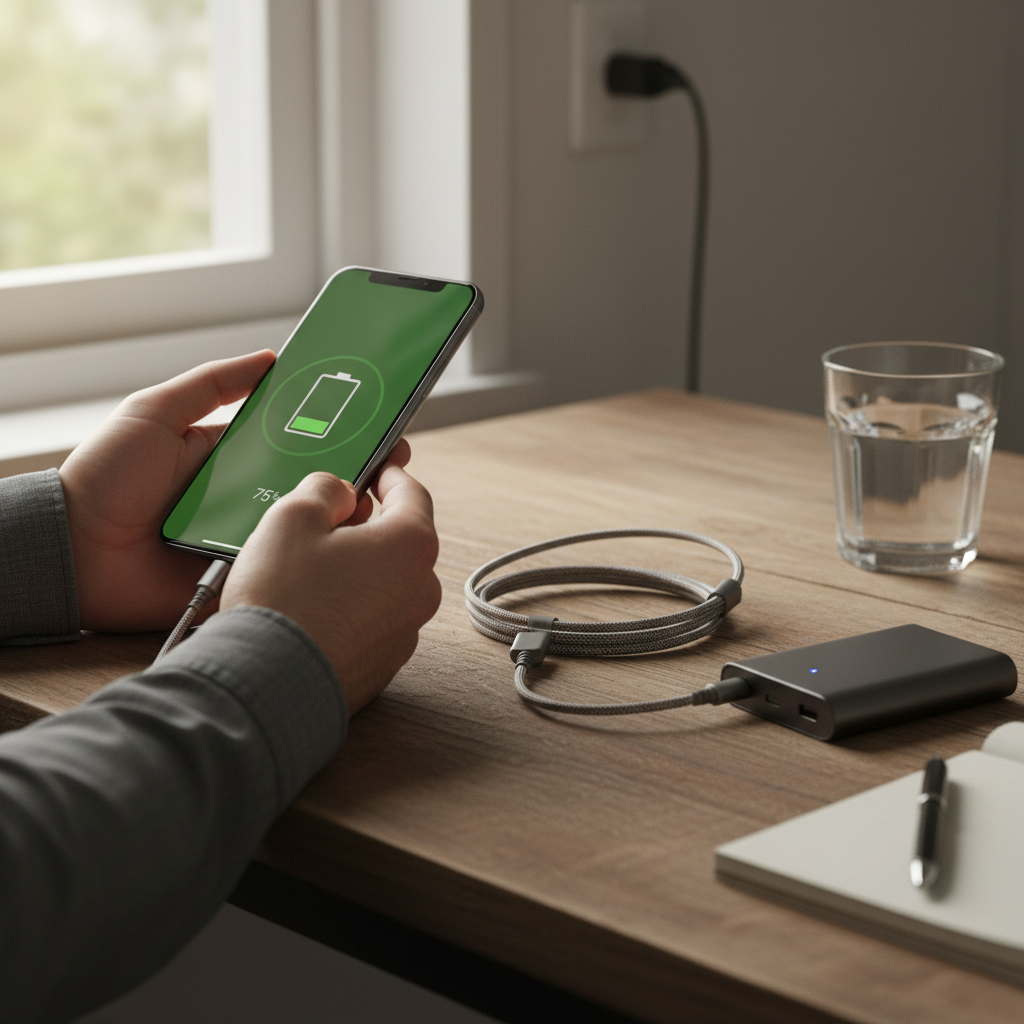
Let’s face it: we’re glued to our smartphones. They’re our mini-computers, our cameras, our entertainment hubs, and our lifelines. But all that power comes with a cost: battery life. So, what’s going on under the hood, and how can we tame the battery beast?
What’s Actually Eating Your Battery? The Lowdown
Think of your phone’s battery like a tiny fuel tank. It holds a certain amount of energy, and everything you do on your phone uses that energy. But unlike a car’s fuel gauge, the battery indicator on your phone can sometimes feel a bit… mysterious. Here’s a breakdown of the major battery drain culprits:
- The Screen: This is the biggest power hog. The brighter your screen, the faster your battery drains. That stunning display that makes your photos pop? It’s costing you juice.
- Apps, Apps, Apps: Each app has a different appetite. Some, like games and video streaming services, are major energy consumers. Others, like social media apps, constantly refresh in the background, keeping your phone busy (and draining the battery).
- Connectivity: Wi-Fi, Bluetooth, and cellular data all require power to stay connected. Constantly searching for a signal, especially in areas with poor coverage, can be a real battery killer.
- Location Services: Apps that track your location (like maps or ride-sharing apps) use GPS, which is another significant power drain.
- The Battery Itself: Like any rechargeable battery, your phone’s battery degrades over time. It loses its ability to hold a full charge, so you’ll notice your phone dying faster as it gets older.
Common Battery Misunderstandings (and Why They’re Wrong)
There’s a lot of folklore surrounding smartphone batteries. Let’s bust some myths:
- Myth: You should let your phone battery completely drain before charging it.
- Reality: Nope! Modern lithium-ion batteries actually prefer to be charged little and often. Letting your battery drain to zero can actually stress it and shorten its lifespan.
- Myth: Using a fast charger will damage your battery.
- Reality: Modern phones and chargers are designed to work together. Fast charging is generally safe, and your phone will regulate the charging speed to protect the battery. However, fast charging *does* generate more heat, which can, over time, have a slightly negative effect.
- Myth: Charging your phone overnight will ruin the battery.
- Reality: Your phone has built-in mechanisms to stop charging once it reaches 100%. However, keeping it plugged in at 100% for extended periods can still generate a bit of heat, which isn’t ideal.
- Myth: You need to use a specific charger brand.
- Reality: As long as you’re using a charger that’s compatible with your phone (e.g., USB-C for many Android phones and iPhones, or Lightning for older iPhones), you’re good to go.
Smart Habits for a Longer-Lasting Battery
Now, for the good stuff. Here are some practical, everyday habits that can dramatically improve your phone’s battery life:
- Adjust Your Screen Brightness: This is the single biggest change you can make. Use auto-brightness, which adjusts the screen’s brightness based on your environment. If you’re in a dim room, your screen won’t blast your eyes with unnecessary light.
- Close Unused Apps: Apps that are running in the background are using battery, even if you’re not actively using them. On both Android and iOS, you can easily close apps from the recent apps menu.
- Manage Notifications: Turn off notifications for apps you don’t need to be immediately alerted about. This reduces the number of times your screen lights up, saving battery.
- Use Wi-Fi Whenever Possible: Wi-Fi is generally more energy-efficient than cellular data. Connect to Wi-Fi whenever you’re at home, at work, or anywhere else with a reliable connection.
- Turn Off Location Services (Selectively): Only allow apps to access your location when necessary. For example, you might need location services for a map app, but not for a calculator.
- Embrace Dark Mode: Dark mode, which inverts the color scheme of your phone’s interface, can significantly save battery life, especially on phones with OLED screens.
- Keep Your Software Updated: Software updates often include battery optimization improvements.
- Check Your Battery Usage: Both Android and iOS have built-in battery usage trackers that show you which apps are consuming the most power. This can help you identify and address battery-draining culprits.
- Consider a Battery Saver Mode: Most phones have a battery saver mode that limits background activity, reduces performance, and turns off some features to extend battery life. Use this when your battery is getting low.
- Watch the Temperature: Extreme temperatures (both hot and cold) can negatively affect your battery. Avoid leaving your phone in direct sunlight or in a freezing car.
Extending Battery Health: Long-Term Strategies
Beyond daily habits, here are some things you can do to preserve your battery’s health over the long term:
- Avoid Extreme Temperatures: As mentioned earlier, heat is the enemy of batteries. Don’t leave your phone in a hot car or in direct sunlight.
- Charge in Moderation: While modern batteries are more resilient, it’s generally best to avoid letting your phone charge to 100% frequently. Try to keep the charge level between 20% and 80% if possible.
- Use the Right Charger: Stick with the charger that came with your phone or a reputable replacement.
- Consider a Battery Case or Portable Charger: If you’re a heavy user, a battery case or portable charger can give you extra peace of mind and prevent battery anxiety.
- When to Replace the Battery: If your battery is significantly degrading, consider replacing it. Many phones allow you to replace the battery yourself, or you can take it to a repair shop.
Battery Performance in 2026: What’s New?
Technology keeps evolving, and battery technology is no exception. Here’s what you might be seeing in 2026:
- More Efficient Processors: Smartphones are becoming more energy-efficient, thanks to advancements in processor technology. This means your phone can do more with less power.
- Improved Battery Chemistry: Battery manufacturers are constantly working on new materials and designs to improve battery capacity and lifespan.
- Faster Charging: Fast charging is becoming even faster, allowing you to top up your battery in a matter of minutes.
- Wireless Charging Improvements: Wireless charging is becoming more convenient and efficient, with faster charging speeds and improved compatibility.
FAQ: Your Smartphone Battery Questions Answered
Here are some of the most common questions people have about smartphone batteries:
Q: How long should my phone’s battery last?
A: This depends on your usage, but generally, a modern smartphone battery should last a full day with moderate use. Heavy users (gamers, video streamers) may need to charge their phones more often.
Q: Is it okay to charge my phone overnight?
A: Yes, it’s generally safe. Modern phones stop charging once they reach 100%. However, excessive heat can slightly degrade the battery over time.
Q: What’s the best way to charge my phone?
A: Charge your phone little and often. Avoid letting it drain completely. Try to keep the charge level between 20% and 80%.
Q: Should I use a fast charger?
A: Fast charging is generally safe and convenient. Your phone will regulate the charging speed. However, fast charging does generate more heat.
Q: How can I tell if my battery is bad?
A: If your phone is dying quickly, shutting down unexpectedly, or if the battery is bulging, it’s likely time for a battery replacement.
Q: Does leaving apps open drain the battery?
A: Yes, but to varying degrees. Apps running in the background can use battery. Close apps you’re not actively using.
Q: Will using a battery case damage my phone?
A: No, a battery case is generally safe and can extend your phone’s battery life. However, make sure you choose a case from a reputable brand.
Q: My phone is getting hot when I charge it. Is that normal?
A: A slight warming is normal, especially with fast charging. However, if your phone gets excessively hot, unplug it and let it cool down. If the problem persists, contact the manufacturer or a repair shop.
I hope this guide has helped you understand your phone’s battery better! Remember, taking a few simple steps can make a big difference in how long your phone lasts. And hey, if you’re still worried about your devices, perhaps you should check out The Unseen Hero: Keeping Your Dryer Humming as sometimes the power situation can be similar!
For more handy tech tips, visit our homepage!