
Ugh, that moment when you’re on a call, or trying to enjoy some music, and your phone speaker decides to be a drama queen. Crackling, buzzing, or just plain silence – we’ve all been there. It’s one of those everyday tech frustrations that can really kill the vibe. But don’t chuck your phone in the bin just yet! Let’s decode these speaker issues, understand why they happen, and explore some simple fixes.
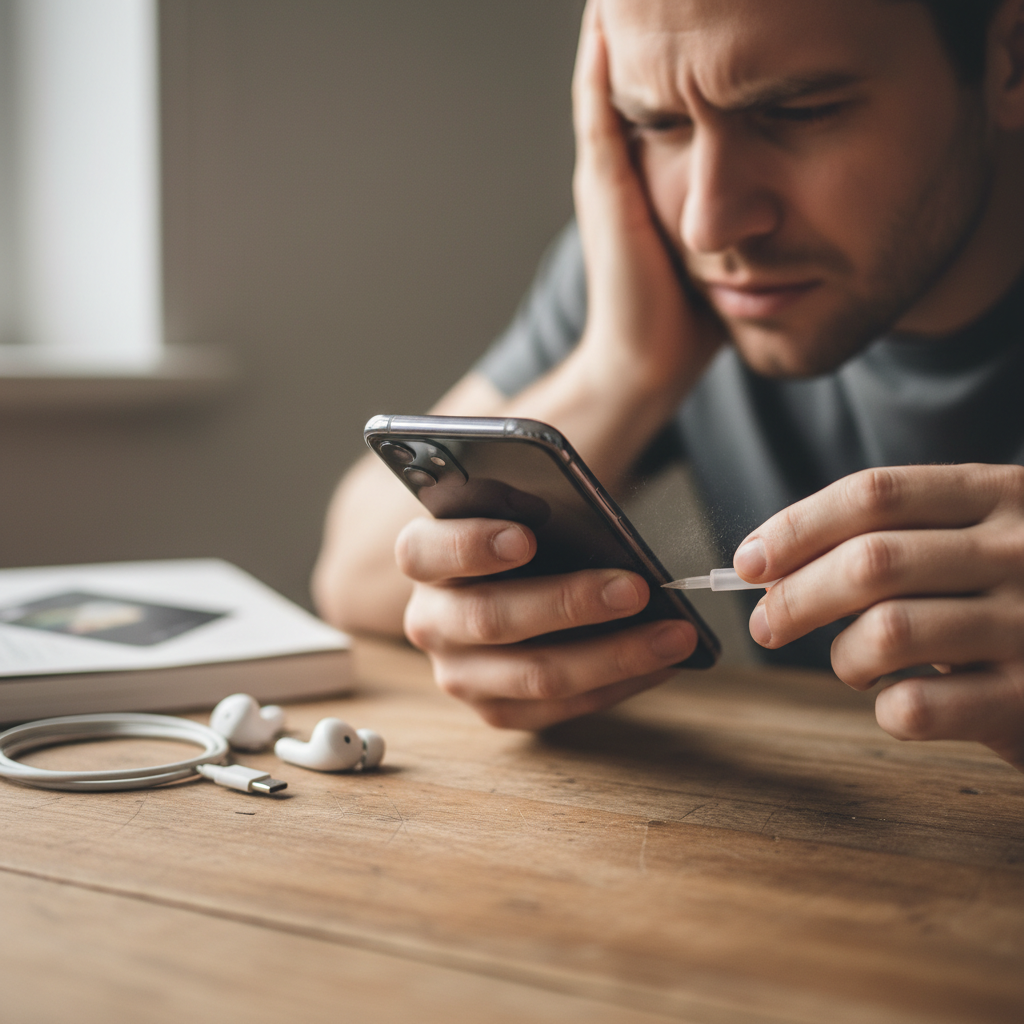
## What’s Really Going On with Your Phone’s Speaker?
Before we dive in, let’s get the tech talk down to earth. Your phone speaker is a tiny marvel of engineering, converting electrical signals into the sound waves you hear. It’s essentially a miniature version of the speakers you find in your home entertainment setup. The main components are a magnet, a coil, and a diaphragm that vibrates to create sound. Any issue with these parts, or anything interfering with their function, can lead to speaker problems.
## The Usual Suspects: Why Your Phone’s Audio is Messed Up
Here are some common reasons why your phone’s speaker might be acting up:
* **Dust and Debris:** This is the most frequent culprit. Tiny particles can get into the speaker grill and mess with the sound. Think of it like dirt in a record player – not a good mix.
* **Water Damage:** Oops! Water and electronics don’t play well together. Water can corrode the speaker components, leading to crackling or distorted sound.
* **Software Glitches:** Sometimes, it’s not a hardware issue at all. A buggy app, an outdated operating system, or corrupted audio files can create sound problems.
* **Hardware Issues:** Like any device, phone speakers can wear out over time, leading to distortion or complete failure.
* **Volume Settings:** Sometimes the simplest solutions are the best. Make sure the volume isn’t muted or turned down too low.
## The Annoying Crackle: Is There a Cure?
That crackling sound is super annoying, right? Here’s what you can try:
1. **Clean the Speaker Grill:** Use a soft-bristled brush or compressed air to gently remove any dust or debris. Be careful not to damage the speaker.
2. **Check for Water Damage:** If your phone got wet, dry it thoroughly. Don’t use a hairdryer, as this can cause more damage. Instead, let it air dry completely.
3. **Software Updates:** Make sure your phone’s operating system and apps are up to date. Updates often include bug fixes that can resolve audio issues.
4. **Restart Your Phone:** A simple restart can often clear up temporary software glitches.
5. **Factory Reset (Last Resort):** If nothing else works, you might need to factory reset your phone. This will erase all your data, so make sure you have a backup. Consider this a last resort.
## No Sound at All: What Now?
If your phone speaker is completely silent, try these troubleshooting steps:
1. **Volume Check:** Ensure the volume isn’t muted or set to zero. Also, make sure “Do Not Disturb” mode isn’t enabled.
2. **Bluetooth Check:** Your phone might be connected to a Bluetooth device, like headphones or a speaker. Disconnect any Bluetooth devices to see if the sound returns to your phone’s speaker.
3. **Test with Headphones:** Plug in a pair of headphones. If you can hear sound through the headphones, the problem is likely with your phone’s speaker.
4. **Speaker Test:** Many phones have a built-in speaker test in the settings. Check your phone’s manual for how to run the test.
5. **Hardware Repair:** If none of the above steps work, there might be a hardware issue. You may need to take your phone to a repair shop.
## Quick Tips for Happier Phone Audio
Here are some everyday habits to keep your phone’s audio in tip-top shape:
* **Clean Regularly:** Wipe down your phone, including the speaker grill, to prevent dust buildup.
* **Avoid Moisture:** Keep your phone away from water and humid environments.
* **Use a Case:** A good phone case can offer some protection against dust and accidental drops.
* **Manage Storage:** Ensure you have enough storage space on your phone. A full phone can sometimes cause performance issues, including audio problems. This is a good time to check out The Smartphone Storage Struggle: Your Guide to a Clutter-Free Digital Life for tips.
## Myths vs. Reality: Audio Edition
* **Myth:** “Turning the volume all the way up will damage my speaker.”
* **Reality:** While constantly blasting your speaker at maximum volume *can* potentially degrade it over time, it’s not an immediate threat. However, listening at high volumes for extended periods can damage your hearing.
* **Myth:** “Using third-party cleaning liquids is the best way to clean my speaker.”
* **Reality:** Avoid using any liquids to clean your speaker. They can damage the internal components. Stick to dry methods like a brush or compressed air.
* **Myth:** “All phone speakers are created equal.”
* **Reality:** Nope! Some phones have much better speakers than others, with improved sound quality and volume. If audio quality is a priority, do some research when you’re buying your next phone.
## Long-Term Habits for Audio Bliss
1. **Optimize Audio Settings:** Explore your phone’s sound settings. Most phones offer an equalizer, and features like Dolby Atmos (on Android) or similar technologies can enhance the audio experience. Experiment to find what sounds best to you.
2. **Choose High-Quality Audio Sources:** If you listen to music, make sure your streaming service settings are set to high quality. If you download music, choose high-quality formats like FLAC.
3. **Protect Your Phone:** Use a case and screen protector to safeguard your phone from damage that could affect the speaker.
4. **Regular Software Updates:** Keep your phone’s operating system and apps updated to benefit from bug fixes and performance improvements.
5. **Consider External Speakers:** For the best listening experience, use headphones or connect your phone to external speakers, especially for music or movies.
## FAQ: Your Phone Speaker Questions Answered
* **Q: My phone speaker is crackling, but only sometimes. What gives?**
* A: This could be due to a temporary software glitch, dust or debris, or interference from a weak Wi-Fi signal. Try restarting your phone and cleaning the speaker grill.
* **Q: I dropped my phone in water. Now my speaker sounds terrible. What should I do?**
* A: Immediately turn off your phone and let it dry completely. Avoid using a hairdryer. If the problem persists, you may need a professional repair.
* **Q: Why does my phone’s speaker sound muffled?**
* A: This could be due to dust or debris blocking the speaker, or a software issue. Clean the speaker grill and check for software updates.
* **Q: My phone’s sound is very low, even when the volume is maxed out. Any ideas?**
* A: Check if “Do Not Disturb” mode is enabled, and make sure your phone isn’t connected to a Bluetooth device. Also, try testing the sound with headphones.
* **Q: Are there any apps that can fix my phone’s speaker?**
* A: While there aren’t any apps that can physically repair a speaker, some apps can help adjust audio settings, such as the equalizer.
* **Q: Should I take my phone to a repair shop?**
* A: If you’ve tried all the troubleshooting steps and your speaker still isn’t working, it’s probably time to take it to a repair shop.
* **Q: Is it normal for my phone speaker to sound worse over time?**
* A: Yes, it’s possible. The speaker is a physical component, and like any component, it can degrade over time, especially with heavy use.
* **Q: My phone’s speaker sounds tinny. What can I do?**
* A: Experiment with your phone’s equalizer settings to adjust the sound. Try boosting the bass or adjusting other frequencies to improve the audio quality.
## Final Thoughts: Keep Calm and Listen On
Phone speaker problems can be frustrating, but they’re often fixable. By understanding the common causes and following these simple tips, you can often restore your phone’s audio and enjoy your music, calls, and videos without the drama. And remember, if things get really tough, a professional repair is always an option. Keep enjoying your tech and don’t let a little crackle get you down! If you are looking for more tech tips, check out for more articles.